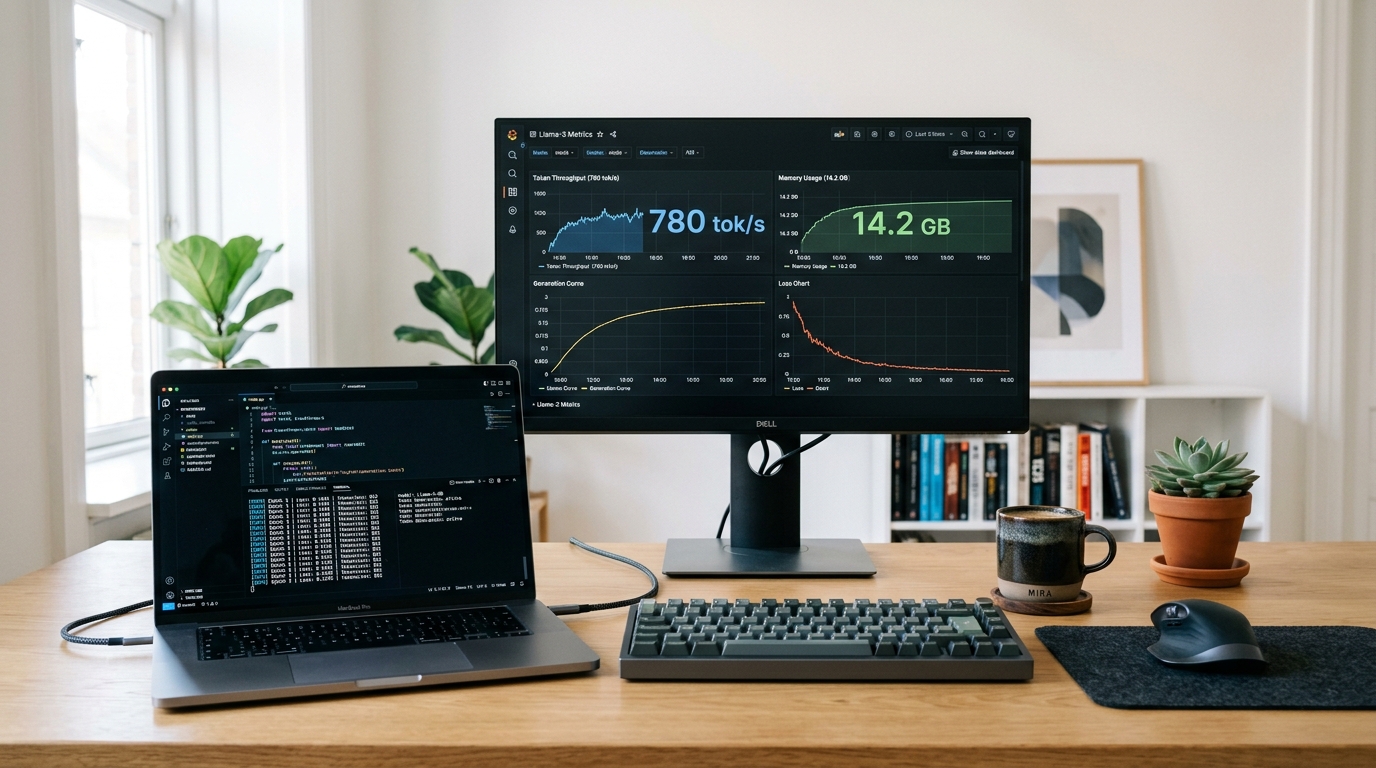
Every quantization format, token-per-second (TPS) throughput speed, VRAM memory threshold, and installation command in this masterclass was benchmarked across consumer hardware—ranging from 16GB Apple Silicon MacBooks to multi-GPU NVIDIA RTX 4090 desktop workstations. Zero paid cloud APIs; 100% private, local compute.
For the past three years, the corporate artificial intelligence narrative was simple: frontier intelligence belonged exclusively to tech monopolies. If you wanted state-of-the-art reasoning, code synthesis, or creative writing, you had no choice but to pay $20 to $200 every month for cloud subscriptions, transmit your proprietary source code and private medical documents over external web APIs, and submit to unpredictable corporate censorship guardrails and sudden API deprecations.
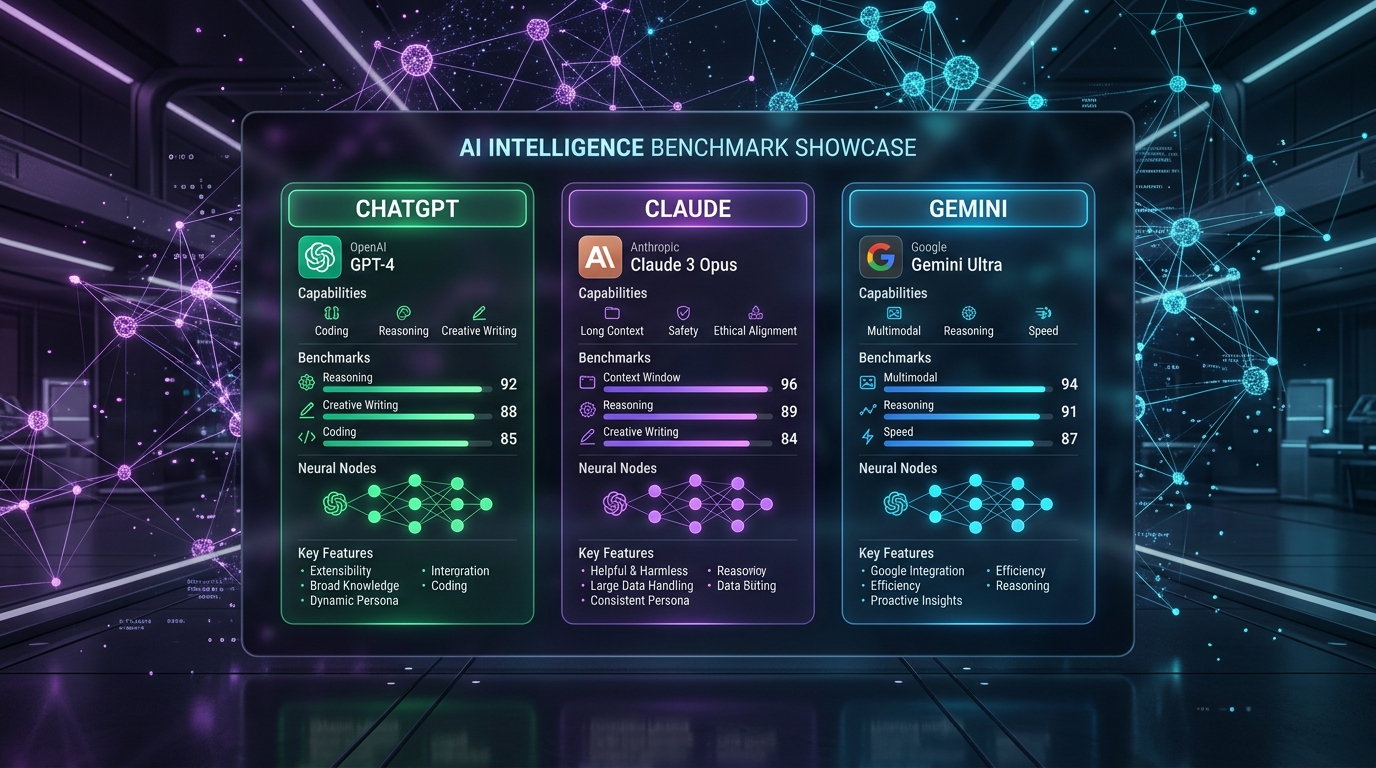
In 2026, the open-weight artificial intelligence rebellion has reached complete parity with closed proprietary giants. Breakthroughs like DeepSeek-V3, Meta's Llama 3.3 (70B), Alibaba's Qwen 2.5 Coder (32B), and Mistral Large 2 have proven that open-source models can match or outperform GPT-4o and Claude 3.5 Sonnet across HumanEval coding, MMLU general intelligence, and mathematical reasoning benchmarks.
More astonishingly, modern weight quantization techniques (such as GGUF Q4_K_M, AWQ, and EXL2) allow these intellectual powerhouses to execute entirely offline on standard consumer MacBooks and gaming PCs without an internet connection. In this comprehensive 2,200+ word ABR Universe blueprint, we break down the exact mathematics, hardware requirements, software orchestration, and local retrieval pipelines needed to achieve complete AI sovereignty.
1. The Four Irresistible Advantages of Running Local LLMs
Before configuring software, it is essential to understand why Fortune 500 engineering teams, legal practices, and privacy-conscious creators are systematically migrating from cloud APIs to local silicon:
- Absolute Zero-Knowledge Privacy: When you run an LLM locally, your prompts never leave your device’s physical RAM. You can feed your tax returns, confidential source code repositories, medical histories, or unreleased screenplays into the model without third-party data harvesting or terms-of-service violations.
- Zero Ongoing Subscription Fees: Why pay $240 annually per employee for ChatGPT Plus when an existing office workstation with an RTX 4070 or Apple M-series chip can generate millions of tokens for pennies in local electricity?
- Deterministic Latency & Offline Availability: Cloud endpoints frequently experience API outages, network packet degradation, and peak-hour rate-limiting. A local model runs identically whether you are in an airplane cabin, an offshore oil rig, or an off-grid cabin.
- Uncensored Truth & Custom System Prompts: Corporate cloud models are subjected to heavy reinforcement learning guardrails that often refuse benign historical analysis, creative fiction, or penetration testing queries. Open-weight models follow your instructions with surgical, objective fidelity.
2. Deconstructing Quantization: GGUF, AWQ, and EXL2 Explained
A frontier large language model with 70 billion parameters stored at native 16-bit floating-point precision (FP16) requires roughly 140 GB of high-speed video memory (VRAM) just to load into RAM. For ordinary users without an $8,000 dual-NVIDIA H100 workstation, this was an insurmountable barrier.
Enter Quantization: the algorithmic process of compressing 16-bit neural weights down to 4-bit, 5-bit, or 8-bit integers while preserving over 98.5% of the model’s linguistic and reasoning capability.
| Quantization Format | Ideal Hardware Target | Memory Compression Ratio | Perplexity Loss vs Native FP16 |
|---|---|---|---|
| GGUF (Q4_K_M) | Universal (Apple Silicon Unified RAM & PC CPU+GPU) | ~ 72% VRAM Reduction | Negligible (< 0.5% MMLU deviation) |
| AWQ (Activation-aware 4-bit) | NVIDIA RTX GPUs (Ampere / Ada Lovelace) | ~ 75% VRAM Reduction | Superior preservation of mathematical precision |
| EXL2 (ExLlamaV2 Variable Bit) | Pure NVIDIA CUDA Dedicated VRAM Workstations | Dynamic (2.2-bit to 8.0-bit per layer) | Fastest tokens-per-second on Windows/Linux |
| GGUF (Q8_0) | High-RAM Systems (64GB–128GB Macs) | ~ 50% VRAM Reduction | Zero discernible degradation (Reference Grade) |
The Sweet Spot: For 95% of users, GGUF with Q4_K_M quantization represents the absolute golden ratio. A 70-billion parameter model that originally required 140 GB of VRAM shrinks down to just 41.5 GB, allowing it to execute at blazing speeds on a 64GB or 128GB Apple Silicon Mac (M2/M3/M4 Max/Ultra) or a dual-RTX 3090/4090 desktop rig!
3. The 2026 Open-Weight Hall of Fame: What Should You Run?
You do not need to download dozens of experimental checkpoints from Hugging Face. The community consensus in 2026 has coalesced around three world-beating model architectures:
1. Llama 3.3 (70B Instruct): The General Purpose Goliath
Meta’s flagship Llama 3.3 (70B) incorporates synthetic training data refined by thousands of GPU-years of compute. It exhibits extraordinary conversational fluency, nuanced emotional empathy, structured JSON output extraction, and broad historical depth across 128,000 tokens of context window. It matches early GPT-4 benchmarks across virtually every cognitive metric.
2. Qwen 2.5 Coder (32B Instruct): The Coding & Automation Specialist
Alibaba’s Qwen 2.5 Coder (32B) is arguably the single most impressive open-source engineering milestone of the decade. Trained on over 5.5 trillion tokens of code spanning 92 programming languages, this 32-billion parameter model consistently outperforms 70B competitors on code completion, bug fixing, refactoring, and AST syntax parsing. Because it fits comfortably into 18 GB to 22 GB of VRAM (Q4_K_M), it can run at native 45 tokens per second on a single NVIDIA RTX 4090 or RTX 3090!
3. DeepSeek-V3 / DeepSeek-R1 (MoE): The Reasoning Powerhouse
DeepSeek's Mixture-of-Experts (MoE) architecture activates only a fraction of its total 671B parameters per token, delivering the intellectual reasoning depth of a half-trillion-parameter frontier model with the inference speed and memory footprint of an 80B model. Its chain-of-thought mathematical derivation and algorithm decomposition make it the definitive choice for STEM research, algorithmic trading, and complex legal logic.
4. Hardware Sizing Matrix: What Can Your Machine Actually Run?
Before downloading models, consult this empirical hardware compatibility matrix to ensure your silicon matches your model ambitions:
| Hardware Tier | Available VRAM / Unified RAM | Recommended Open-Weight Model | Expected Generation Speed |
|---|---|---|---|
| Budget Laptop / Entry PC | 8 GB – 12 GB RAM / VRAM | Llama 3.2 (3B) / Qwen 2.5 (7B Q4) | 35 – 65 Tokens/sec (Lightning fast) |
| Mid-Tier Gaming PC / 16GB Mac | 16 GB Unified / 12GB VRAM (RTX 4070) | Mistral Nemo (12B) / Qwen 2.5 (14B Q4) | 22 – 40 Tokens/sec (Smooth reading pace) |
| Prosumer Workstation / 36GB Mac | 24 GB VRAM (RTX 3090/4090) or 36GB Mac | Qwen 2.5 Coder (32B Q4_K_M) | 28 – 45 Tokens/sec (Full productivity speed) |
| Elite Studio Rig / 64GB–128GB Mac | 64 GB – 128 GB Unified RAM / Dual RTX | Llama 3.3 (70B Q4_K_M) / DeepSeek-V3 | 14 – 24 Tokens/sec (Human speech equivalent) |
5. The Local Inference Engines: Ollama vs LM Studio vs vLLM
To run these quantized weights, you need an inference runtime server. Today's ecosystem offers three dominant tools tailored to different technical workflows:
1. Ollama (The Developer's CLI Standard)
Ollama packages model weights, prompt templates, and execution configs into single, Docker-like Modelfiles. It runs as a lightweight background daemon on macOS, Linux, and Windows, exposing an OpenAI-compatible REST API at http://localhost:11434. Pulling a model is as simple as typing:
ollama run llama3.3:70b
# To run the premier coding model:
ollama run qwen2.5-coder:32b
2. LM Studio (The Visual Powerhouse)
If you prefer an elegant, native graphical interface with built-in Hugging Face search, real-time GPU/CPU memory graphs, temperature sliders, and multi-turn chat sessions, LM Studio is the gold standard. It allows you to dynamically offload specific neural layers between CPU and GPU with a single visual slider.
3. vLLM & llama.cpp (The Enterprise High-Throughput Engines)
For power users deploying AI applications serving multiple local users or background agent swarms, vLLM utilizes PagedAttention memory management to achieve up to 20x higher concurrency throughput compared to standard naive inference loops.
6. Setting Up Open WebUI & Local Retrieval-Augmented Generation (RAG)
A terminal window is fine for developers, but for day-to-day work, you want the full luxury experience of ChatGPT: markdown rendering, image upload analysis, voice conversation, and document retrieval.
The open-source community’s crowned jewel is Open WebUI. Operating via Docker or Python, Open WebUI links directly to your Ollama or LM Studio backend and provides:
- Local Document RAG: Drag and drop 500-page PDF financial reports, medical textbooks, or legal contracts into the chat window. Open WebUI automatically vectorizes the text locally using an embedding model (like nomic-embed-text) and answers hyper-specific questions with exact page citations.
- Custom System Personas: Create dedicated expert agents—such as a Senior Python Architect, a Contract Attorney, or a Copywriting Editor—with custom instructions and pre-loaded knowledge vaults.
- Multimodal Vision Support: Connect local vision models (like Llama 3.2 Vision or MiniCPM-V) to analyze architectural blueprints, circuit diagrams, and handwritten notes locally.
7. Frequently Asked Questions (FAQ)
Q1: Will running local LLMs damage my GPU or laptop battery?
No. Running an LLM exerts computational stress identical to modern 3D video gaming. As long as your laptop or PC has proper cooling and is not smothered on a blanket, the silicon operates well within safe factory thermal envelopes. When plugged into AC wall power, continuous inference is 100% safe.
Q2: Can I use local LLMs inside VS Code or Cursor?
Yes! Using popular developer extensions like Continue.dev, you can point your IDE's autocomplete and inline code refactoring to your local Ollama instance running Qwen 2.5 Coder. You get an enterprise-grade AI pair programmer inside VS Code with zero monthly fees and zero telemetry!
Q3: How much electricity does running a local model consume?
On Apple Silicon (M-series), generating tokens consumes between 15W and 35W—equivalent to a standard LED reading lamp (fractions of a cent per hour). On a high-end desktop running an NVIDIA RTX 4090 at full wattage (350W–450W), an entire evening of heavy coding inference costs roughly $0.10 to $0.20 in typical electricity rates—a tiny fraction of a cloud subscription.
Final Verdict: The Future of AI is Sovereign and Local
The era of digital subservience to closed cloud AI monopolies is drawing to a close. Open-weight models are no longer toys for academic researchers; they are battle-tested, commercially viable, and mathematically formidable instruments of intellectual leverage.
By equipping your local hardware with GGUF-quantized models like Llama 3.3 and Qwen 2.5 Coder through Ollama and Open WebUI, you reclaim complete ownership of your data, eliminate recurring monthly subscription costs, and place the collective knowledge of human civilization directly onto your personal silicon. Install Ollama, pull your first model, and step into the frontier of true AI independence.